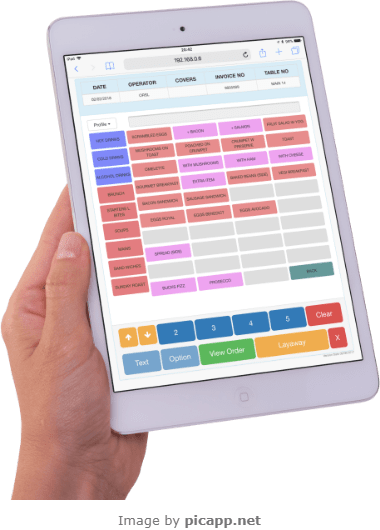
Table Service in a cafe or restaurant via an iPad or other tablet device is just one of many extensions the Multi Retail EPoS solution has to offer.
Depending on your serving technique this may not be for you, as for example if your cafe or restaurant is pure counter service.
However if you are thinking of opening a cafe or restaurant in your store, wanting to change from counter service to table service or wanting to change from handwritten order pads you should explore what our solution can offer you.
Table Service Advantages
One of the advantages of table service, over counter service is that by leaving the table open for payment at the end, it gives you more opportunities to up-sell, extra food and drink orders can be added to the table until ready to take payment.
The menus and meal options are used by both the till and order takers so one change in the back office alters both. In quiet times you may just want to use the till point, but as tables start filling up you may want to start using the order takers as well.

You can have up to 8 areas listed down the left hand side of the screen with up to 30 tables for each area. The current status of the table is shown on the button. This will display the course the table is on and if a table is free for use.
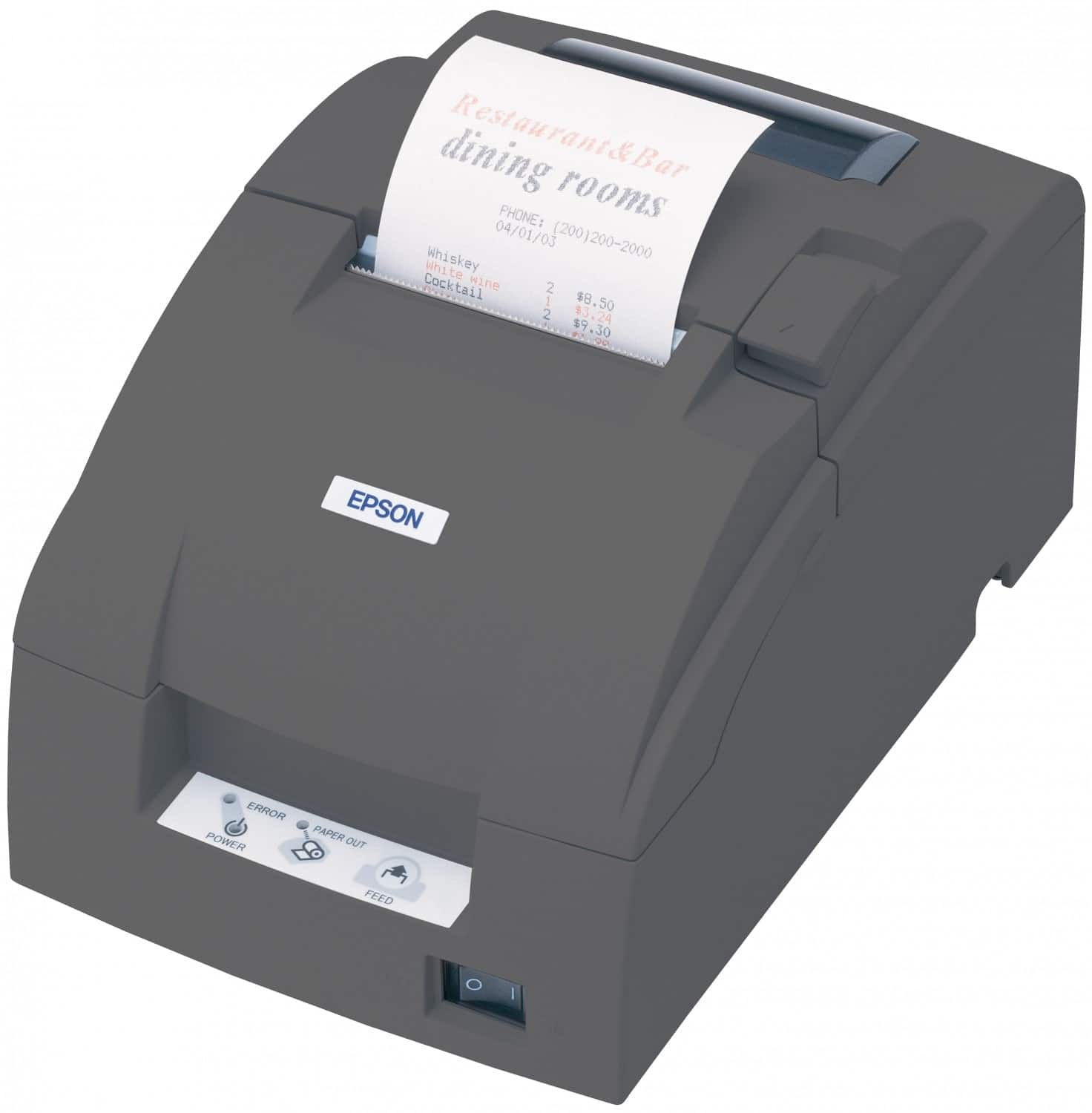
Kitchen Printer
As soon as orders are placed they will be sent through to the kitchen to be printed. It does not matter how you take the orders the system will sort them into courses for printing.
You have the ability to move tables and to add extra items like drinks or desserts. More complex functions like split billing or taking payments will still need to be done on the main till points.

As well as your meal or drink selection you can also offer options that go with it or how you want it cooked. So for example for a soup you may show choice of bread or for steak whether you prefer medium or well done.
This can also be used for saying you do not want something i.e. no onions in a salad. Where you offer a four or five item breakfast for example this would also let you choose the items from the list offered.

You get a chance to review the order before storing it against the table and sending it to be printed in the kitchen for the chef. Changes of mind can be voided before placing or extra quantity added using the plus or minus buttons.

For more information on our EPoS solution please visit our website at http://www.openretailsolutions.co.uk or contact one of our sales team on 0115 9677 439.